Introduction: Why Mobile Banking Security Matters Today

Mobile banking has become an essential part of modern life. Tasks that once required a visit to a bank branch—such as transferring money, checking balances, paying bills, or purchasing online—can now be done instantly from a smartphone.
However, as mobile banking grows in popularity, cybercriminals are becoming more active than ever. Hackers constantly search for vulnerabilities to steal personal information, passwords, banking data, and even entire accounts.
This guide will help you develop strong cybersecurity habits that protect your financial information, your identity, and your peace of mind. These habits are simple, effective, and vital for anyone who uses mobile banking services.
1. Create Strong and Unique Passwords
Weak passwords are one of the biggest reasons accounts get hacked. If your password is something predictable like “123456”, “password”, or your name with a number, you’re making yourself an easy target.
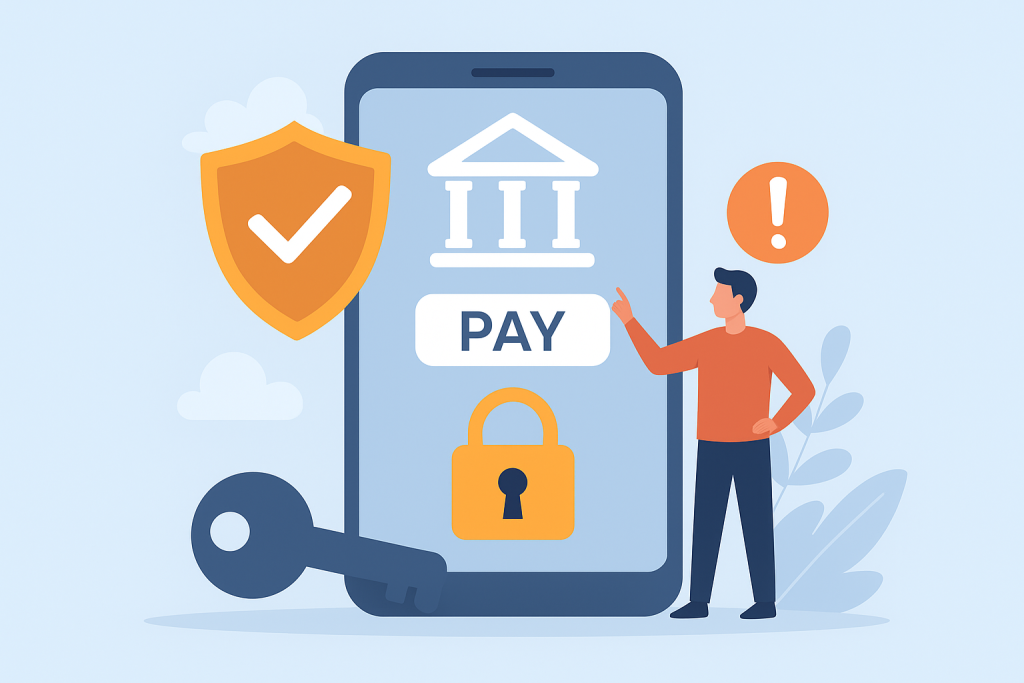
A strong password should include:
- 12–16 characters minimum
- Uppercase + lowercase letters
- Numbers
- Special characters like @, $, %, !
But the most important habit is:
👉 Do NOT reuse the same password on multiple apps.
If one account gets compromised, all other accounts with the same password become vulnerable too.
2. Enable Two-Factor Authentication (2FA)
Two-Factor Authentication provides an extra layer of protection for your mobile banking account. Even if someone manages to steal your password, they still cannot log in without the second verification step—usually an OTP, biometric scan, or a security code.
Almost every modern banking app supports 2FA, so make sure it’s always enabled.
3. Avoid Public Wi-Fi for Mobile Banking
Public Wi-Fi networks such as those in cafés, malls, airports, and hotels are playgrounds for cybercriminals. Hackers often set up fake Wi-Fi hotspots or intercept traffic to steal login credentials and financial data.
Never use public Wi-Fi for:
- Bank logins
- Funds transfers
- Credit/debit card transactions
- Wallet logins (PayPal, Google Pay, etc.)
If you have no choice, use a secure VPN to encrypt your connection.
4. Download Banking Apps Only from Official Sources
Downloading apps from unofficial sites or random APK files is extremely dangerous. Hackers create fake banking apps that look identical to the real ones but steal passwords and financial information.
Always download apps from:
- Google Play Store
- Apple App Store
- Your bank’s official website
If an app looks suspicious, check the developer name, reviews, and download numbers before installing.
5. Keep Your Phone and Apps Updated
Updates often include patches for new security vulnerabilities. Cybercriminals exploit outdated operating systems and old app versions to access your device.
Make sure to regularly update:
- Your phone’s operating system (iOS or Android)
- Banking apps
- Security apps
- Your internet browser
If an update is available, don’t ignore it—install it immediately.
6. Use a Trusted Mobile Security App
A reliable mobile security app can block many types of attacks, including:
- Malware
- Spyware
- Keyloggers
- Suspicious Wi-Fi networks
- Fake URLs or phishing pages
These apps constantly monitor for threats and alert you if something malicious is detected.
7. Beware of Phishing Messages, Calls, and Fake Links
Phishing is the most common method used by cybercriminals to hack mobile banking accounts. These attacks usually arrive in the form of:
- Fake SMS messages
- Emails pretending to be from your bank
- WhatsApp messages
- Fake call-center agents
Some scam examples include:
- “Your account is blocked. Click the link to verify.”
- “You won a prize. Share your OTP to claim.”
- “This is the bank. Please confirm your PIN.”
Important rules to remember:
❌ Banks never ask for your OTP
❌ Banks never ask for your PIN
❌ Banks never send links asking you to log in
If in doubt, call your bank directly using their official helpline.
8. Use Biometric Authentication
Most banking apps now support:
- Fingerprint login
- Face ID
- Iris scanning
Biometric authentication is one of the strongest security measures because it depends on your unique physical identity. It’s not only safer but also quicker and more convenient than typing long passwords.
9. Review Your Bank Statements Regularly
Many people ignore their account statements for months, allowing fraudulent transactions to go unnoticed.
Make it a habit to review:
- Monthly bank statements
- Debit/credit card activity
- Wallet transaction history
If you find any suspicious activity, report it immediately.
10. Always Log Out After Using Banking Apps
Closing an app is NOT the same as logging out. Anyone who gets hold of your phone—intentionally or by accident—could access your bank account if you stay logged in.
Always:
👉 Open → Use → Log out
This small habit can prevent major financial risks.
11. Turn On Device Tracking & Remote Wipe
In case your phone is lost or stolen, having tracking tools enabled can save you from disaster.
For Android:
- Find My Device
- Remote Lock
- Remote Wipe
For iPhone:
- Find My iPhone
- Lost Mode
- Erase iPhone
With these tools, you can erase your phone’s data from anywhere, preventing unauthorized access to your banking apps.
12. Do Not Save Passwords on Your Device
Saving passwords in your Notes app, messages, or gallery is extremely risky. If malware enters your device, these saved passwords can be easily found and stolen.
Instead, use a password manager—they are encrypted, secure, and designed specifically for storing sensitive information.
13. Protect Yourself from SIM Swap Attacks
SIM Swap fraud is becoming increasingly common worldwide. In this attack, criminals convince the mobile carrier to issue a duplicate SIM for your number. Once they have control of your SIM, they receive all your:
- OTP codes
- Bank alerts
- Verification messages
How to avoid SIM swap fraud:
- Never share your phone number publicly
- Avoid sending CNIC/ID photos unnecessarily
- Add a biometric lock or PIN to your SIM
- Stay alert for unknown network disconnections
If your phone suddenly loses network service, contact your mobile operator immediately.
14. Trust Only Official Bank Notifications
Cybercriminals can fake SMS sender IDs, create fake websites, and send deceptive notifications. Always verify that the message is from your bank’s official channel.
Check:
- Official app notifications
- Verified SMS sender ID
- Official website domain
- Verified social media accounts
When in doubt, never click the link.
Conclusion
Mobile banking offers convenience, speed, and flexibility—but it must be used responsibly.
By following the habits outlined above, you can protect yourself from more than 90% of common cyber threats.
Cybersecurity is not a one-time action; it’s a habit.
And once you build these habits, mobile banking becomes safe, efficient, and stress-free.